
Turn on notifications
So you hear the moment their tag is scanned, or a pet goes missing nearby.

Get the free Wandr app, add your pet, then link your PawTag™ or GPS tracker. Here’s every step, start to finish.


You don’t need a tag to start. Link it whenever it arrives.
It’s free on iPhone and Android. Search for Wandr in the App Store or Google Play, or use the buttons below.
Open the app and sign up with your email address.
Already have an account? Log in with the same details. Your pets, tags and profiles are all still there.
A photo, their name, breed and any medical notes, plus who a finder should call. That’s their profile, and it’s what anyone who scans their tag will see.
More than one pet? Add as many as you have. It costs nothing.
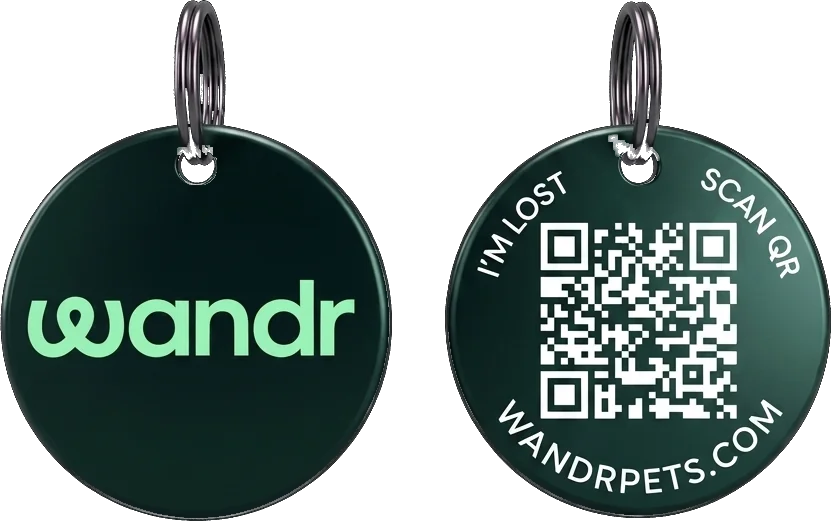
When your PawTag™ arrives, scan the QR code on the back with your phone camera and follow the prompts. It links to your pet’s profile straight away.
Then clip it to their collar. No battery, nothing to charge.
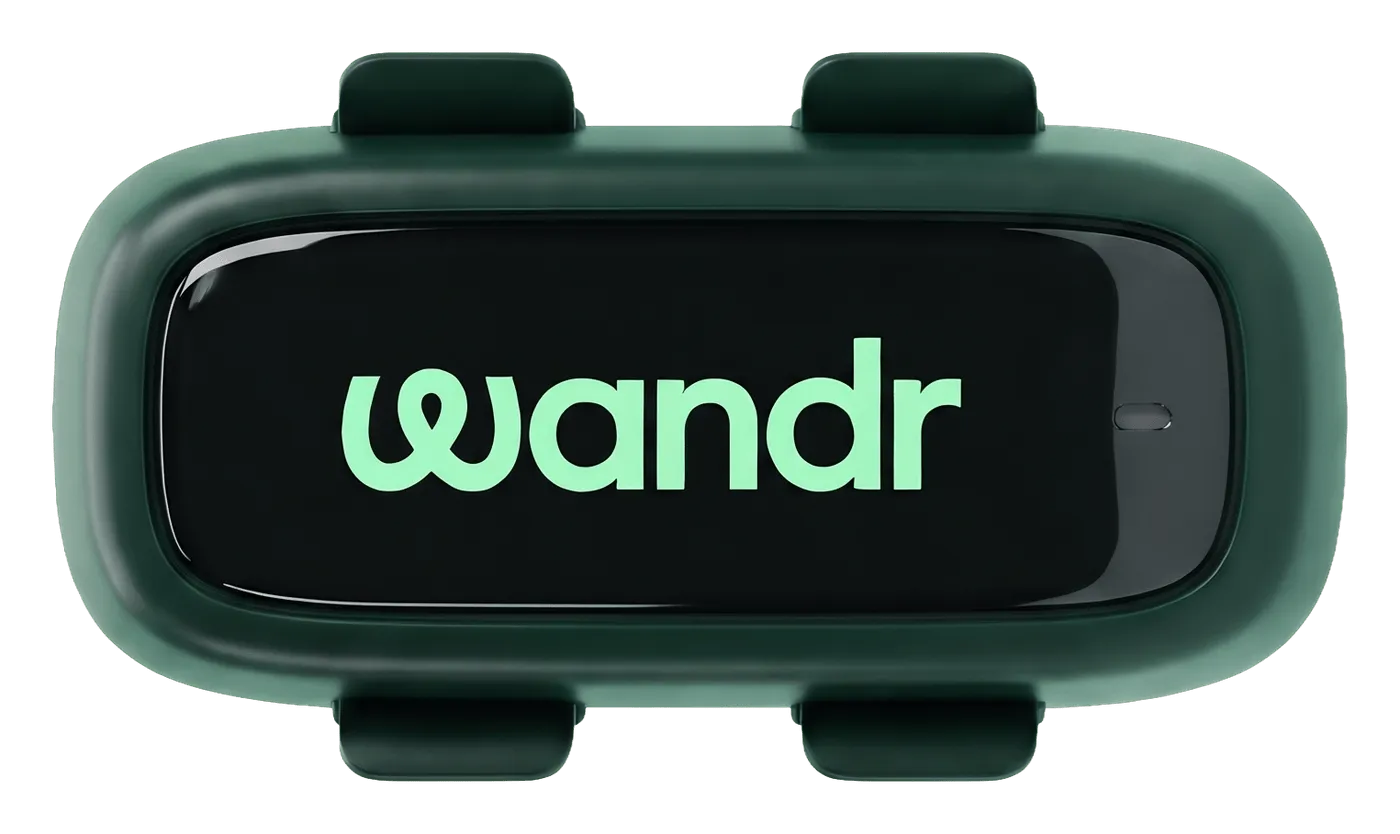
Charge it, switch it on, then add it from your pet’s profile in the app. The free PawTag™ in the box links just like step 4.
Live location, safe zones and finding them by sound and light need Care, from £3.42 a month. Care also adds scan alerts, health records and the AI vet and trainer.
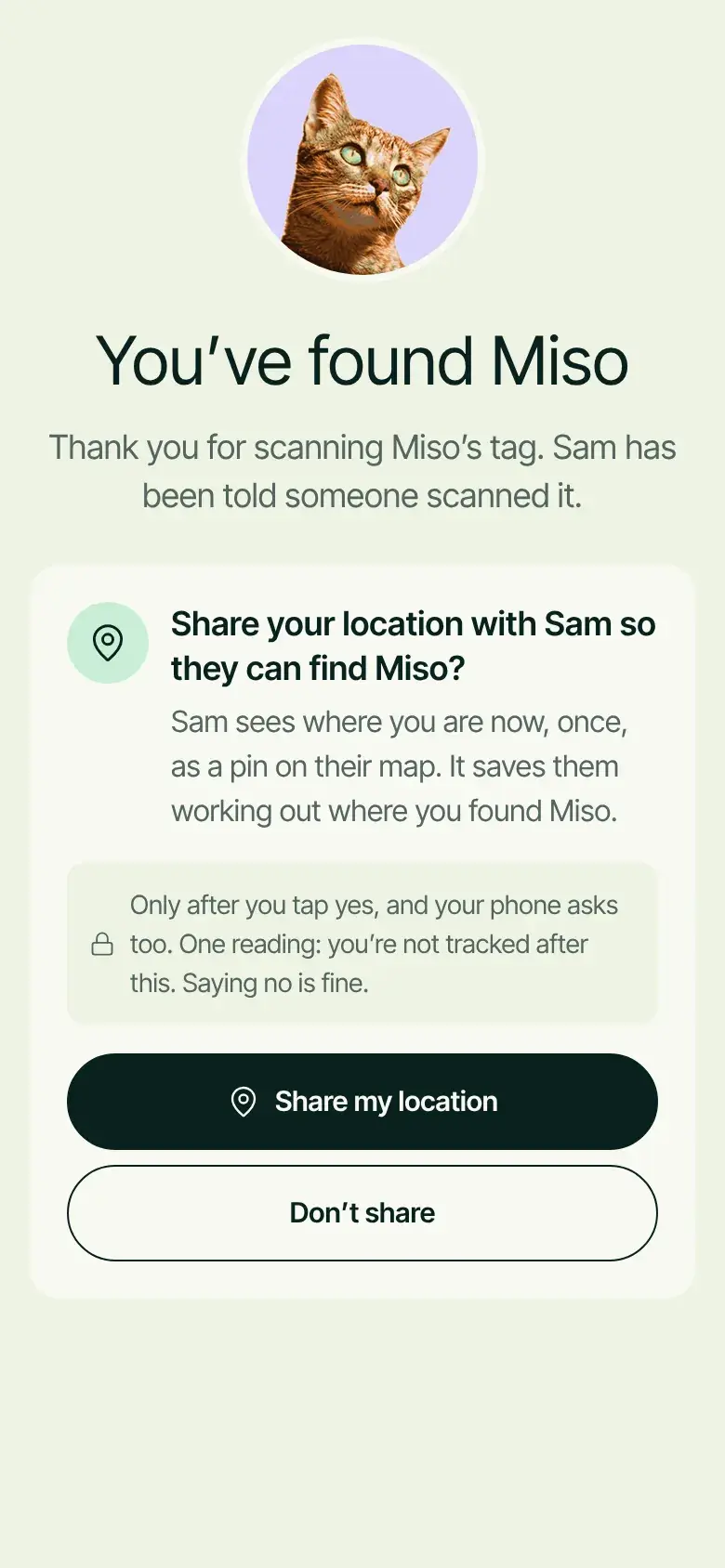
Scan your PawTag™ with your phone camera. You’ll see exactly what a finder sees: your pet’s profile and a way to send you where they are.
Every scan shows up in your app straight away.
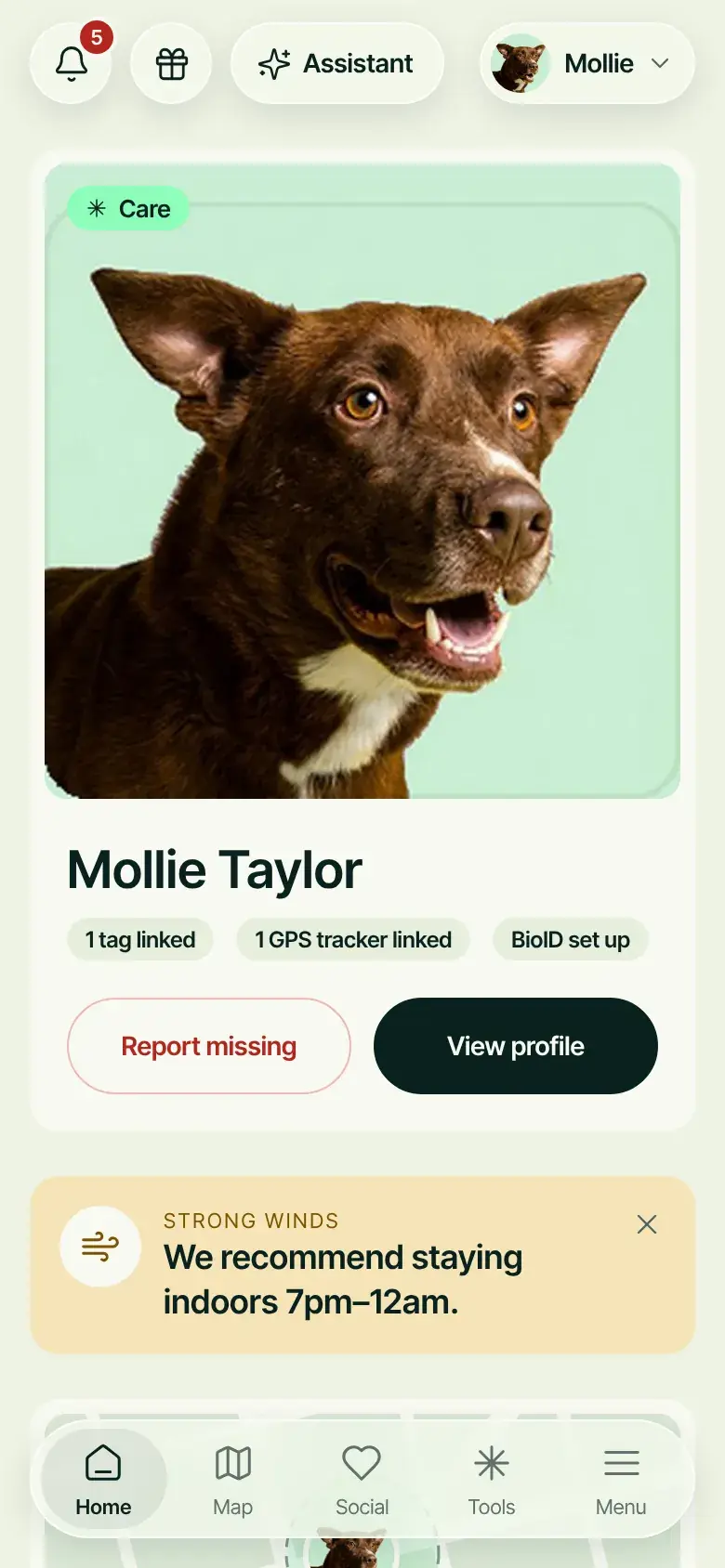
Open the app and tap Report missing. Lost mode puts them on the map for every pet owner nearby, with their photo and where they were last seen.
Free for every pet, tag or no tag.
So you hear the moment their tag is scanned, or a pet goes missing nearby.
New number or address? Change it in the app and their tag shows it straight away. No new tag needed.
Everyone at home sees the same pets, contacts and alerts on their own phone.
Our help centre answers the most common questions. Or get in touch and a real person will reply.
Just pay delivery. Or choose a GPS tracker, with a free PawTag™ in the box.
Get started today with a tag, and access a community that are here to support you.